

Web IDE
The Web IDE is a browser-based development environment built into every server. It provides a full-featured code editor, terminal, and file explorer — all accessible from your browser with no local installation required.
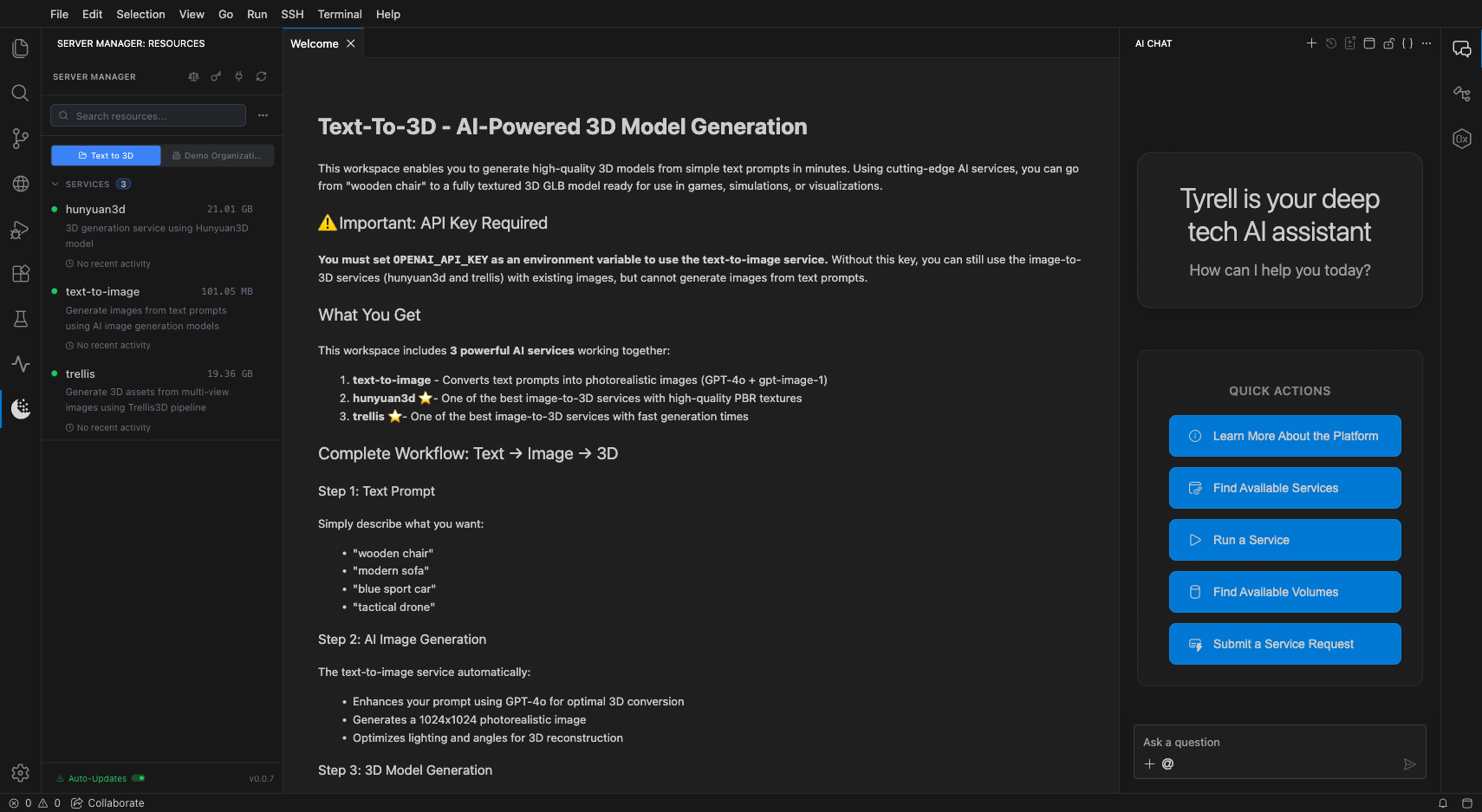
Launching the Web IDE
To open the Web IDE:
- Navigate to your workspace
- Click the Launch button on a running server
- Select Browser as the launch option
The Web IDE opens in a new browser tab, connecting you directly to your server's development environment.
Web IDE features and capabilities
The Web IDE includes:
- Code editor with syntax highlighting and language support
- Integrated terminal for running commands directly on the server
- File explorer for navigating your workspace files and volumes
- Agent interaction through the Tyrell Agent built into the environment