

Welcome to Agent Studio
Welcome to the User Documentation for Rendered.ai's Agent Studio! Here you will learn how your team can leverage Agent Studio to get the most out of AI-enabled workspaces.
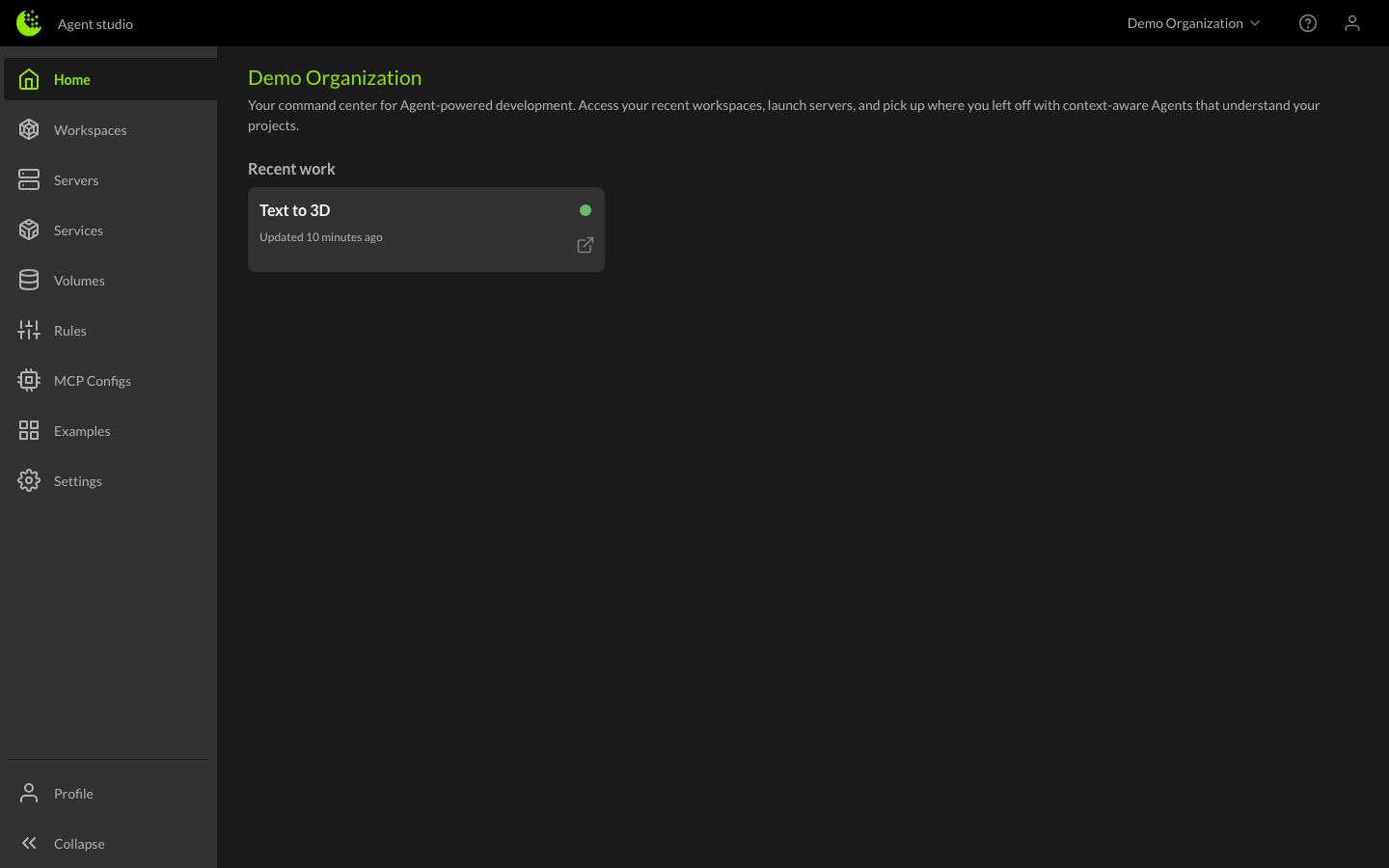
How to get started with Agent Studio
To start using the Agent Studio:
- Sign in at deckard.rendered.ai with your account credentials. If you don't have an account, contact your Organization administrator or register here.
- Create a workspace - Click the New Workspace button, give it a name and description, and select the services, volumes, and instance type you'd like to start with.
- Launch a server - When you create a workspace, a server is automatically started for you. You'll be taken directly into the Web IDE where you can start working with your Agent.
That's it — you're ready to go. Your Agent has access to the services and data you configured and is ready to help you build.
Agent Studio core concepts
- Workspaces - Configurations that bring your tools and data together. Attach services, volumes, and rules to shape your environment.
- Servers - Cloud-based development environments where you and your Agents collaborate. Connect via the browser or your preferred desktop IDE.
- Services - Containerized tools that Agents can call to process data, run simulations, and more.
- Volumes - Persistent storage that can be shared across servers and workspaces.
- Rules - Instructions that guide Agent behavior at multiple levels.
- MCP Configs - Connect additional MCP servers to extend your Agent's capabilities.
- Agent Skills - Pre-built expertise packages that give Agents capabilities for common tasks.
- Secrets - Securely store API keys and credentials as environment variables.
Developing custom content
Ready to build your own tools and skills?
- Creating Services - Build and deploy custom containerized services.
- Creating Persistent Services - Create services that run continuously alongside servers.
- Creating Agent Skills - Build and publish skill packages that give Agents pre-built expertise.
- Creating MCP Servers - Build custom MCP servers for your Agents.