

Services
Services are containerized tools that solve specific problems. Each service has defined inputs, outputs, and tool interfaces that Agents can call to process data, run simulations, generate content, and more. By attaching services to a workspace, you give Agents the ability to execute complex operations on your behalf.
Standard and Persistent service types
There are two types of services:
- Standard Services - Run on-demand when called by an Agent or user. They start, execute their task, and stop when complete. Best for batch processing, one-off jobs, or tasks with clear inputs and outputs.
- Persistent Services - Run continuously alongside your server. They stay active for the duration of the server session, making them ideal for services that need to maintain state, serve APIs, or provide ongoing functionality.
Browsing the service catalog
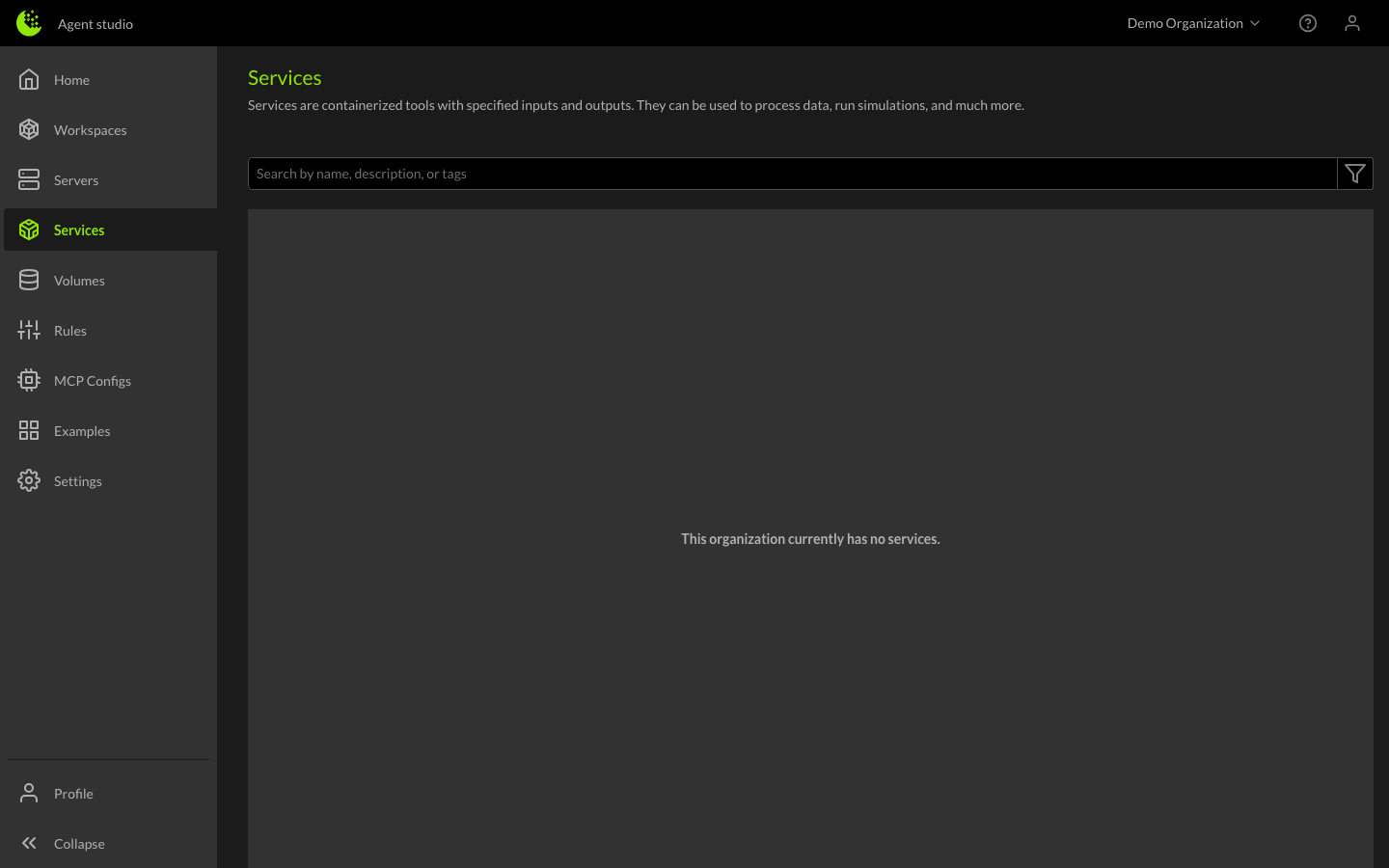
Your Organization maintains a catalog of available services. To browse the catalog, navigate to the Services page from the left sidebar. Here you can:
- Search for services by name or description
- View service details including inputs, outputs, and documentation
- See which services are attached to which workspaces
Attaching services to a workspace
Services need to be attached to a workspace before Agents can use them. You can attach services in two ways:
- During workspace creation - Select services in the Services field when creating a new workspace.
- From the workspace details - Click on a workspace, then use the Services section to add or remove services.
When a service is attached, its tools become available to the Agent running on any server in that workspace.
How to remove services from a workspace
To remove a service from a workspace, open the workspace details and remove it from the Services section. Detaching a service does not delete it from your Organization — it simply removes the Agent's ability to call it within that workspace.
What information is shown in a service's detail view
Click on any service in the catalog to open its detail view. The service detail page shows:
- Name and description of what the service does
- Service type — whether it runs on-demand or persistently
- Tools — the tools the service exposes, including their inputs, outputs, and documentation
- Associated volumes — data the service needs access to
- Associated rules — any rules specific to how the service should be used
- Attached workspaces — which workspaces currently have this service attached
The service detail view is useful for understanding what a service can do before attaching it to a workspace, and for reviewing the tool schemas that Agents use when making service calls.
Building your own services
Want to create a custom service for your Organization? See the developer guides:
- Creating a new Service — Build and deploy custom containerized services.
- Persistent Services — Create services that run continuously alongside servers.