

Collaboration
Users of the Rendered.ai platform can share content with other users via the platform's collaboration capabilities. Collaboration is managed at the organization level.
Adding Users to an Organization
Organizations are the primary mechanism for sharing access with other users. Users that are in the same organization have access to all workspaces and resources owned by that organization. Users can have one of two roles in an organization: Admin or Member. Admins have privileged permissions within the organization -- they can access Organization Billing and modify the role of other users. Admins and Members of an organization can both fetch, create, edit, and delete workspaces and resources within the organization.
To add a user to your organization, navigate to the Organization Settings page by clicking Settings in the left sidebar. Then click the Members tab to view the current members list.
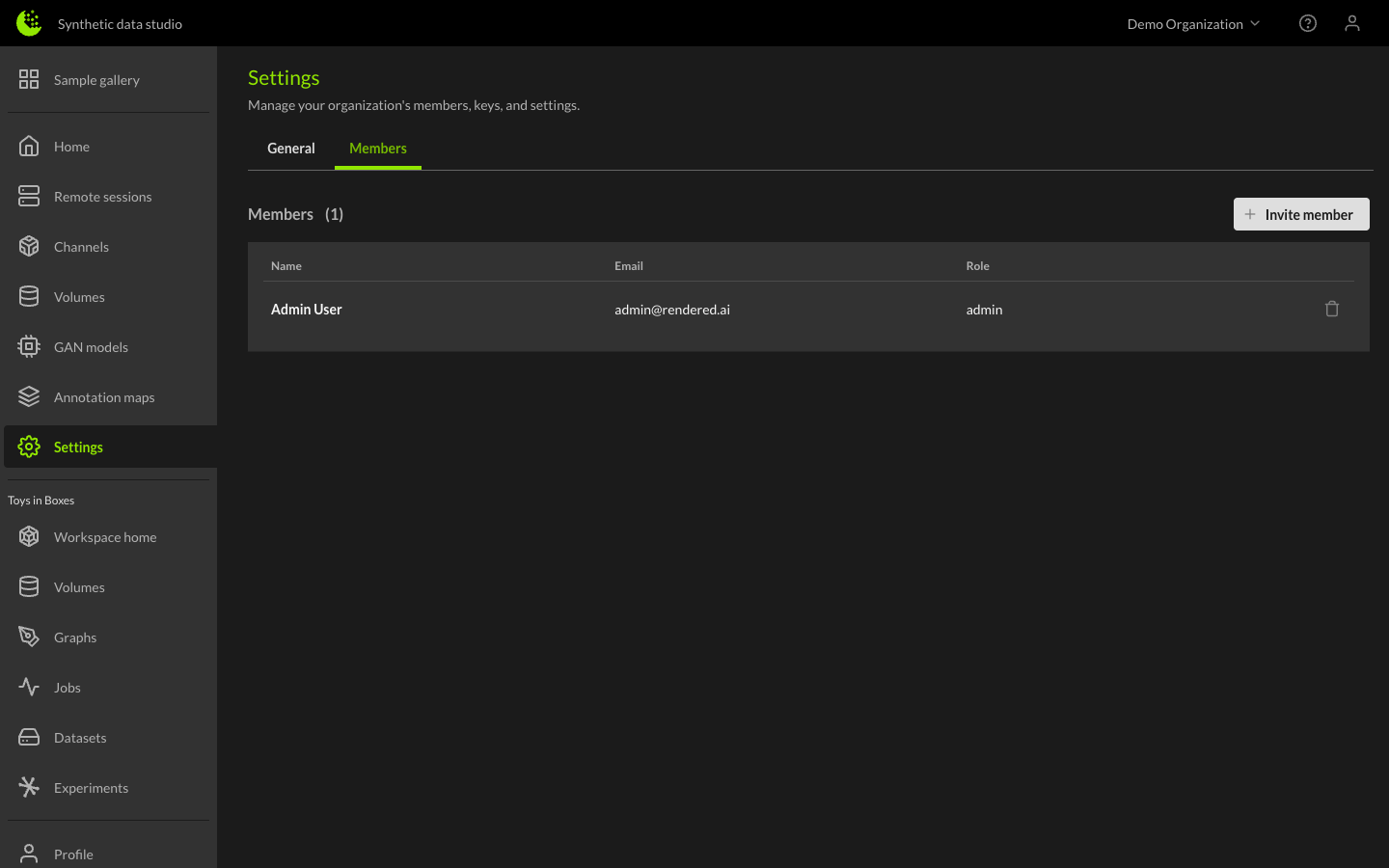
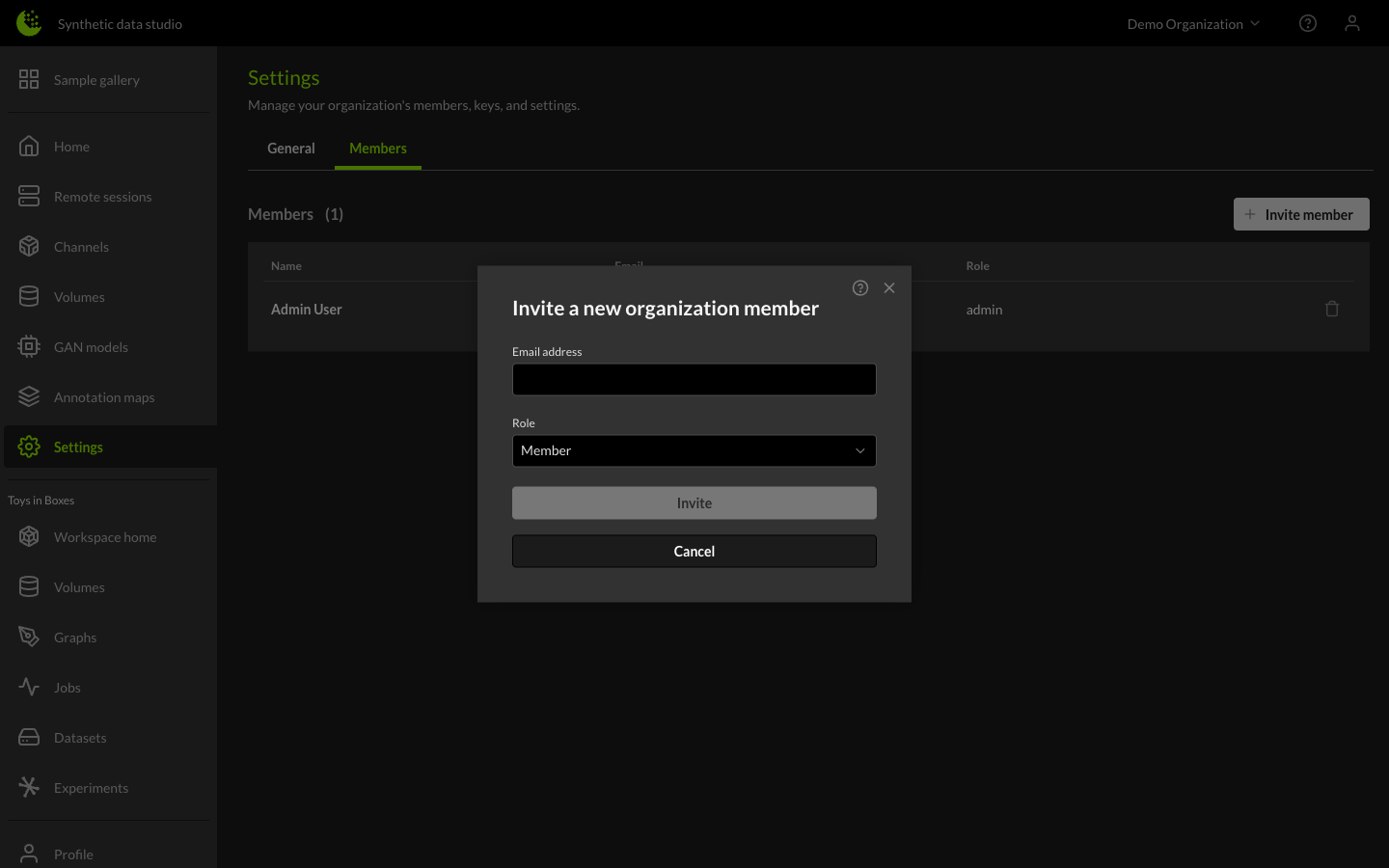
From here, click the Invite member button to open the invite dialog. Enter the email address of the user you want to invite and select a role (Admin or Member), then click the Invite button.
Account Status Handling
If the user already has a Rendered.ai account, they will be added as a member of the organization and can access all workspaces and resources owned by the organization. If they do not yet have a Rendered.ai account, they will receive an invitation email which will direct them to create an account. After signing up for their new account, the user will be added as a member of the organization.
Managing Members
After the user has signed up, or if they are already a user on the platform, they will show up in the Members list. From here, you can remove the user from the organization using the trash icon.
Roles
Rendered.ai uses two roles to manage access and permissions:
Admin
Admins have full control over the organization. Admin capabilities include:
- Accessing Organization Billing
- Modifying the role of other users
- Adding and removing members
- Creating, editing, and deleting workspaces and resources
Member
Members have access to use the resources within the organization. Member capabilities include:
- Fetching, creating, editing, and deleting workspaces and resources
- Creating and editing graphs
- Running jobs and generating datasets
- Downloading datasets and viewing analytics
- Using channels, volumes, and other resources that have been made available