

Content Codes
Content codes represent the fastest way to get started on the Rendered.ai platform. When you use a content code, you receive a fresh workspace containing pre-configured content such as example graphs, datasets, and analysis tools.
Registering with a Content Code
To begin, create an account at https://rendered.ai/free-trial/.
After completing a brief demographics survey, you will receive an invitation email directing you to the platform's registration interface.
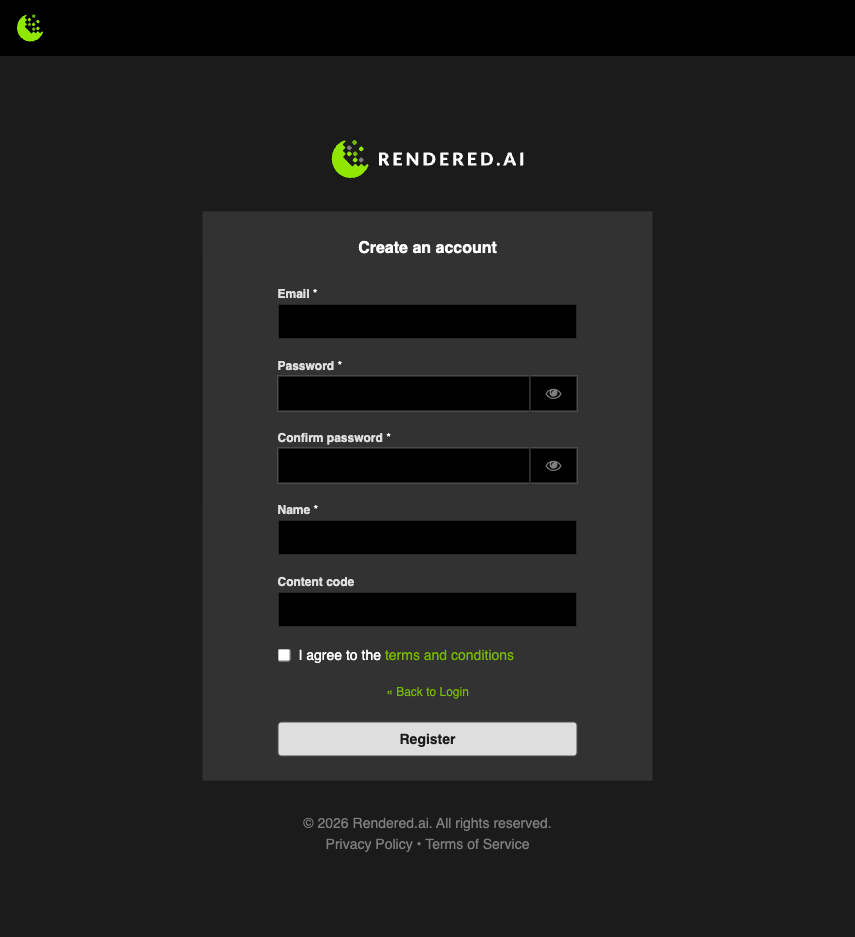
New users have the option to input a content code during registration. The TOYBOX content code, for example, provides access to a channel simulating toy objects falling into a container.
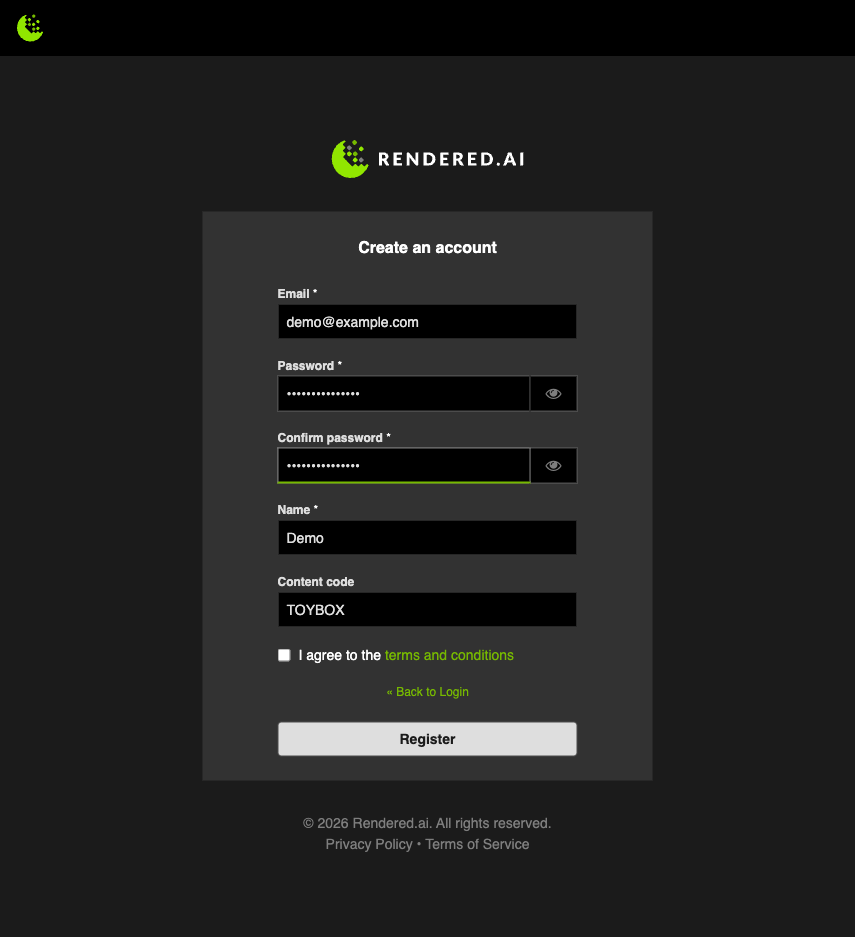
After completing the form and clicking the Sign up button, you will receive a verification email. Once verified, log in at https://deckard.rendered.ai/sign-in using your credentials. Your new organization will display the content code workspace upon login.
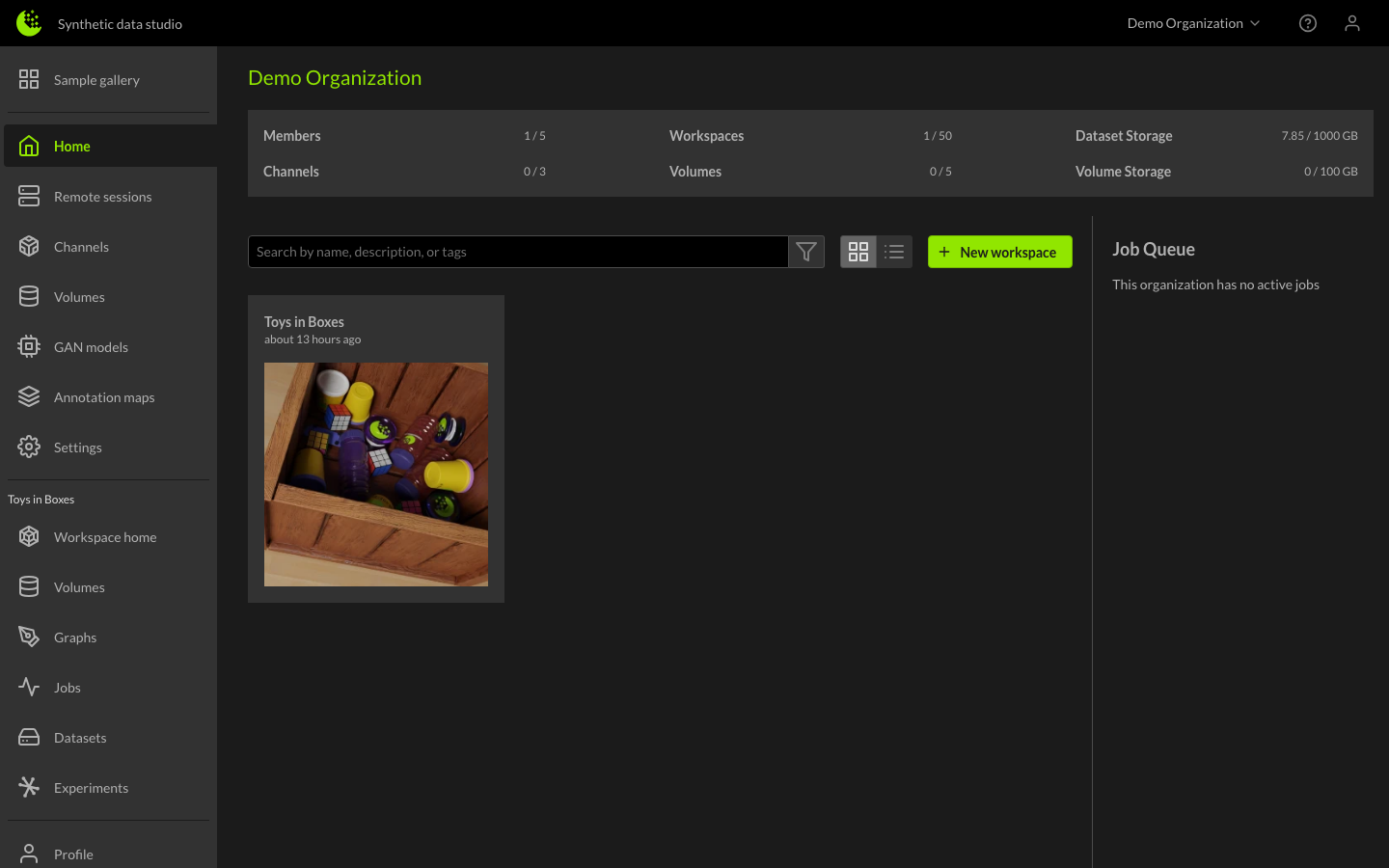
Creating a new Workspace with a Content Code
An alternative approach is available for existing users who want to establish additional workspaces containing predefined content. Navigate to your organization and select the New Workspace button.
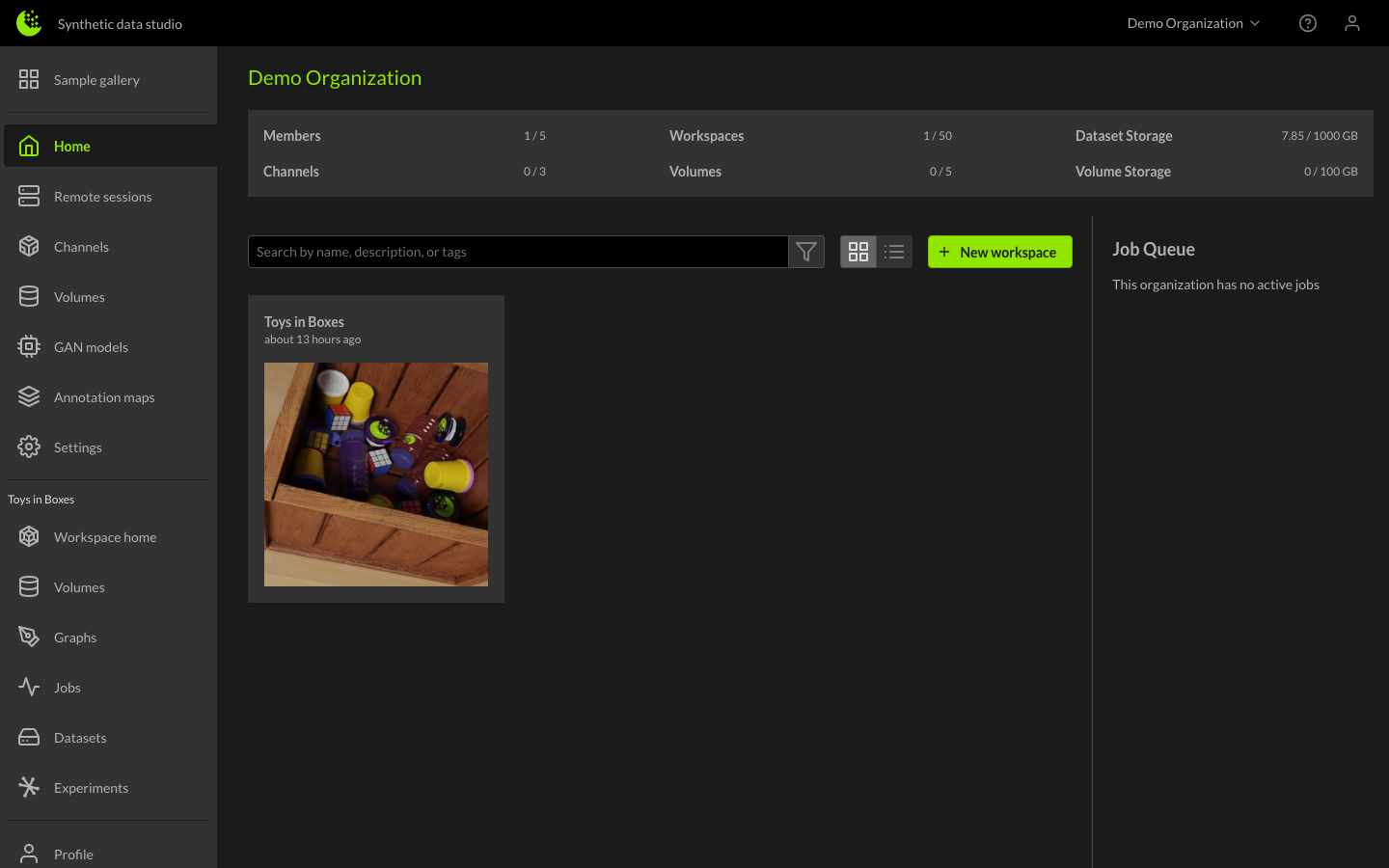
In the resulting dialog, you can name the workspace and either select channels or provide a content code.
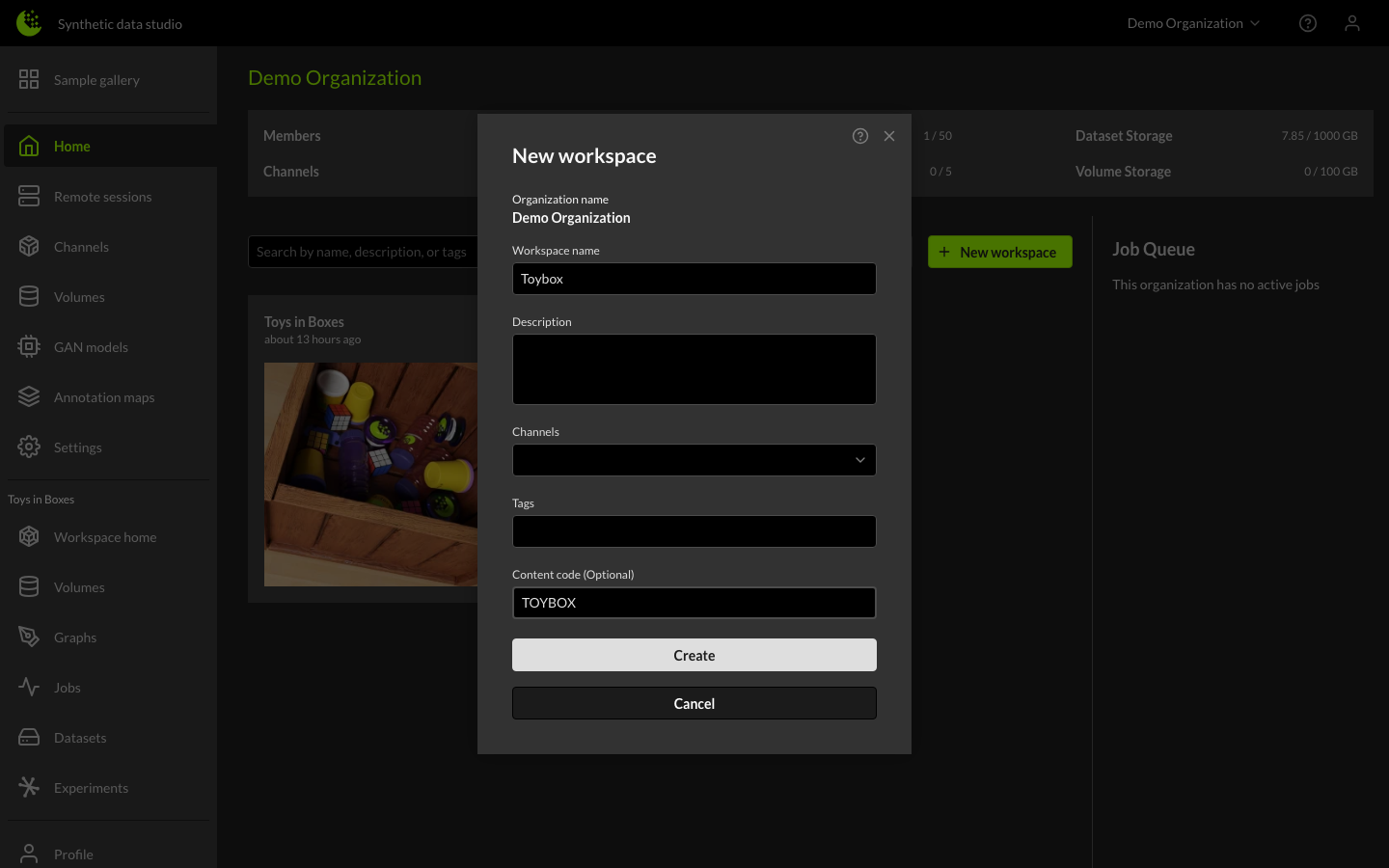
After clicking Create, the system generates the workspace. Allow time for synchronization and refresh your browser to confirm completion. The Workspaces table will then display your newly created content code workspace.
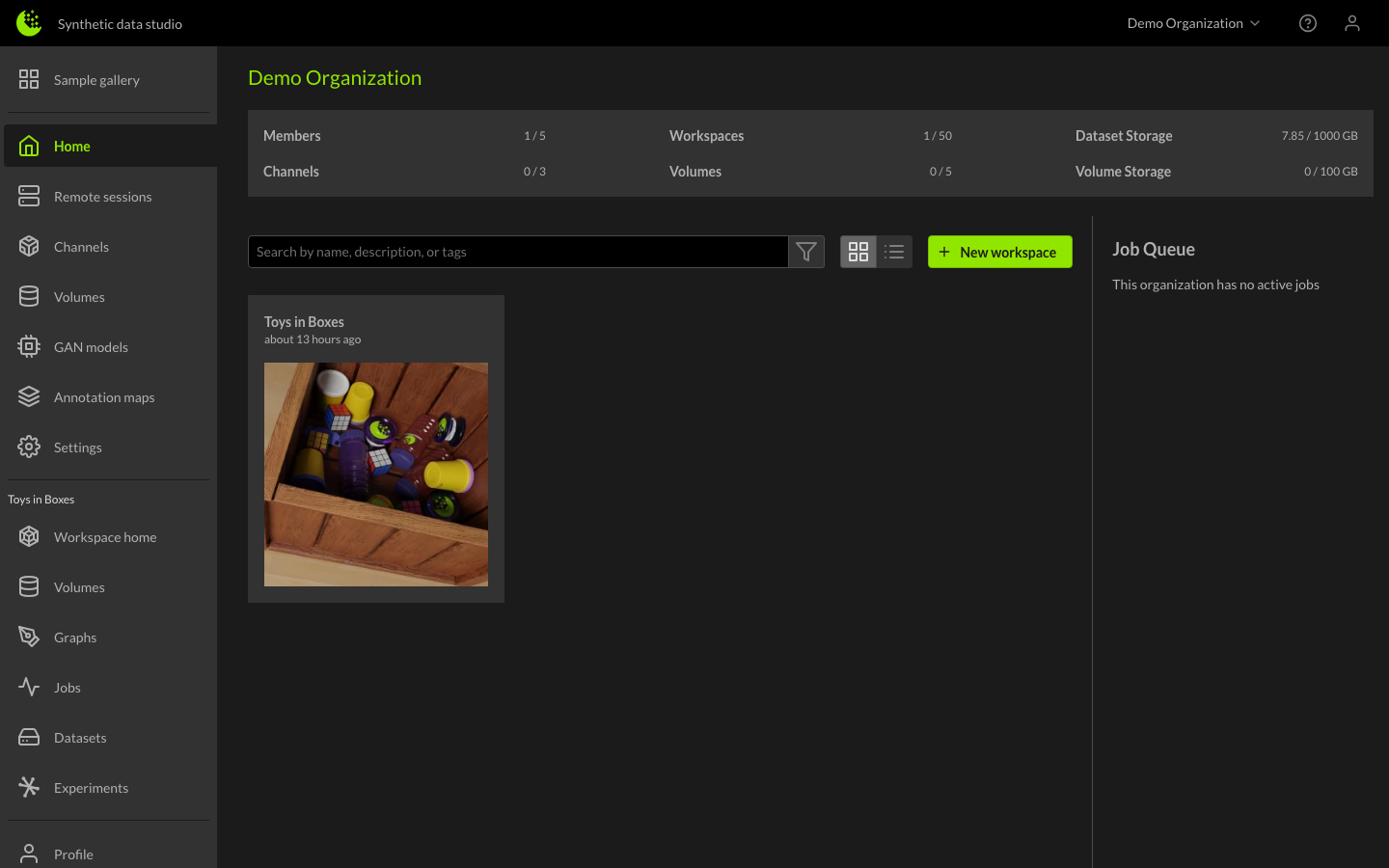
Once ready, you can access and begin exploring the workspace.